 By
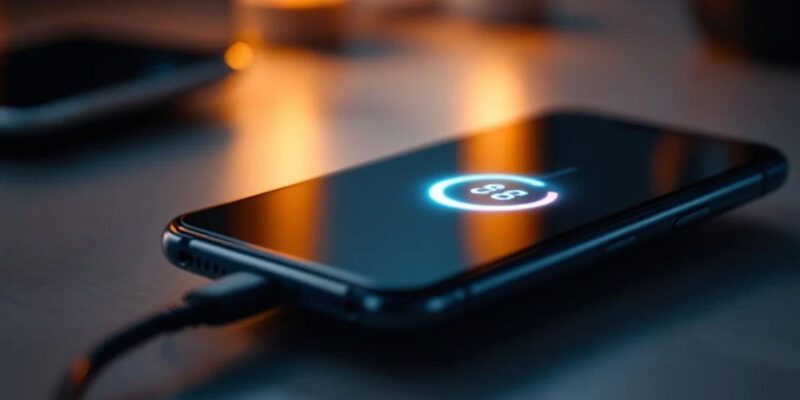
By Some warmth during charging is normal — a phone getting hot enough to be uncomfortable to hold is not. Excess heat during charging damages your battery over time and can indicate a fixable problem. Here’s what causes it and how to address it.
Using a Cheap or Mismatched Charger
This is the most common cause. Chargers that don’t properly regulate voltage delivery cause the phone to do additional power conversion work internally, generating heat. Use a charger from your phone’s manufacturer or a reputable brand (Anker, Belkin) rated for your phone’s specific wattage. A 65W charger connected to a phone that supports only 25W will cause heating.
Using the Phone While Charging
Charging generates heat. So does heavy processor use. Doing both simultaneously — gaming, streaming video, video calling — creates a heat stack that can make the phone uncomfortably warm or trigger an overheat warning. If your phone gets very hot during charging, avoid intensive use while it’s plugged in. For gaming or long calls, charge before or after.
Remove the Case During Charging
Phone cases, particularly thick silicone or leather cases, insulate heat rather than letting it dissipate. Remove your case during charging, especially during fast charging or in warm environments. This simple step can reduce charging temperature by several degrees.
Charge in a Cooler Location
Charging in direct sunlight, in a hot car, or under a pillow will significantly increase temperature. Charge on a hard surface (desk, table) in a reasonably cool room. Don’t leave your phone charging in a closed car in summer heat — combined with charging-generated heat, this can exceed safe operating temperatures quickly.
Disable Fast Charging
Fast charging generates more heat by design. If heat is a consistent problem, go to Settings > Battery > Charging Settings and disable Fast Charging. Your phone will take longer to charge but will run significantly cooler during the process. For overnight charging, speed is irrelevant and the cooler slower charge is better for battery longevity.
Check for a Background App Running at Full Power
If an app is running at high CPU usage while the phone is charging, the combined load causes excessive heat. Check Settings > Battery > Battery Usage to see what’s active. Force-stop anything consuming unexpected resources. Antivirus apps, corrupted apps post-update, and sync operations can all cause background CPU spikes.
When Heat Indicates a Hardware Problem
If your phone gets extremely hot even with a good charger, no case, in a cool environment, with nothing running in the background, a swelling or damaged battery is possible. A visibly bulging back cover is a serious warning sign — stop charging the phone, remove the case, and contact a service center. Swollen lithium batteries are a fire risk and require professional handling.
Views: 82

You may also like

How to Stop Your Kids From Spending Money on Your Phone by Accident

How to Use Your Phone to Manage Your Time When You Work From Home

How to Use Your Phone Camera to Spot Things You’d Otherwise Miss
More in:Apps
How to Use Your Phone to Build Better Habits That Actually Stick

How to Use Your Phone to Help You Through a Difficult Life Transition

How to Use Your Phone to Manage Your Mental Load and Stop Forgetting Things

TecRounder is a blog that shares New Technology news from around the world (hence the name TecRounder), including the most recent mobile and gadget information: smartphone features, specifications, and more. You can find the latest technology updates here, including the most recent information on smartphones, laptop computers, and other electronic devices.