How to Stop Your Phone From Butt-Dialing People When It’s in Your Pocket
 By
By Butt-dialing someone is harmless when it’s a friend who texts back “you pocket dialed me lol.” It’s significantly less funny when it’s your boss, an ex, or someone you’ve just had a tense conversation with. And the anxiety of not knowing how long your phone was open and what they might have heard is a special kind of awful.
Here’s how to prevent it.
Why It Happens
Your phone screen activates when it senses touch, which your pocket provides constantly. If the screen turns on while you’re walking, sitting, or reaching for something, it’s exposed to a series of random inputs that can be interpreted as taps — unlocking the phone, navigating to the phone app, and dialing a recently contacted number.
This is particularly common with phones that have capacitive touch screens responsive to any pressure, including through fabric.
The Main Fix: Pocket Mode / Double Tap to Wake Settings
Some Android phones have a “Pocket Mode” or “In-Pocket Detection” under display settings that uses the proximity sensor to detect when the phone is in a pocket or bag and prevents the screen from waking up in response to touch. Check Settings > Display or Settings > Advanced Features for this option.
On phones without this, disable “Double Tap to Wake” or any gesture-based wake options. If your phone wakes up whenever anything touches the screen, it’s going to wake up constantly in your pocket.
Use a More Secure Lock Screen
If your phone unlocks with a swipe or a simple tap, your pocket can unlock it. Switch to PIN, fingerprint, or face unlock. These methods don’t activate from random fabric pressure. A PIN lock means your pocket can light up the screen all it wants — it can’t get past the lock screen to make calls.
Pocket the Phone Screen-In
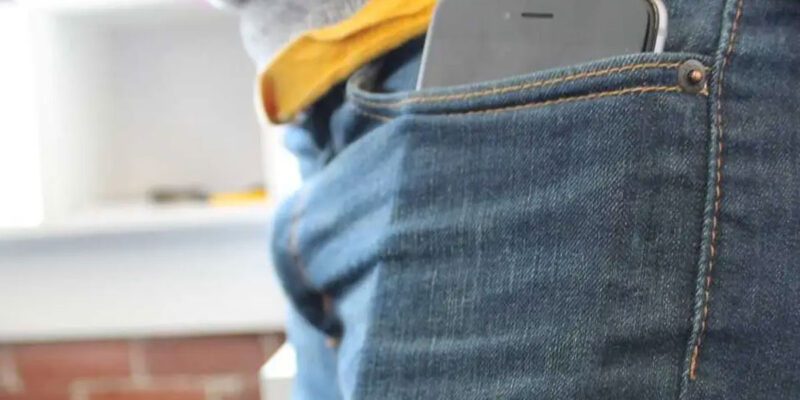
A simple physical habit: put the phone in your pocket with the screen facing toward your leg. The proximity sensor is on the front of the phone — when it’s facing your leg, it detects the proximity and keeps the screen dark. When it’s facing away from your leg, random pocket movements can hit the exposed screen.
This is such a reliable and simple fix that many people never need anything else.
Lock the Screen Before Pocketing
Develop the habit of pressing the power button to lock the screen before putting the phone in your pocket. It takes half a second and creates a locked state that requires deliberate action to get past.
Enable the Pocket Dial Prevention in the Phone App
On some Android phones, there’s a setting within the Phone dialer app itself (not the system settings) called something like “Prevent accidental calls” or a proximity sensor setting that blacks out the screen during calls so you can’t accidentally hit buttons.
On iPhone, the proximity sensor during calls automatically blacks out the screen when you hold it to your ear — this prevents accidental button presses during calls but doesn’t prevent the initial accidental dial.
What to Do After an Accidental Dial
If you realize you’ve pocket dialed someone, end the call quickly and send a brief message: “Sorry, pocket dial!” This is much better than hoping they didn’t answer or didn’t notice. Most people are understanding. Silence and mystery about what they may have heard is worse.
A Note on Smartwatches
If you have a smartwatch paired to your phone, consider whether calls can be made from the watch and what happens if the watch buttons get accidentally pressed during activity. Some smartwatches have similar pocket/wrist-detection issues.
Views: 80

You may also like

How to Use Your Phone to Learn Basic First Aid You Might Actually Need

How to Use Your Phone to Create a Morning Routine That Actually Works

How to Handle Phone Anxiety and the Constant Pressure to Be Available
More in:Gadgets
How to Use Your Phone to Plan and Track Your Garden or Allotment

How to Stop Your Kids From Spending Money on Your Phone by Accident

How to Use Your Phone to Manage Your Time When You Work From Home

TecRounder is a blog that shares New Technology news from around the world (hence the name TecRounder), including the most recent mobile and gadget information: smartphone features, specifications, and more. You can find the latest technology updates here, including the most recent information on smartphones, laptop computers, and other electronic devices.