How to Organize Your Phone Photos Into Albums Without Losing Your Mind
 By
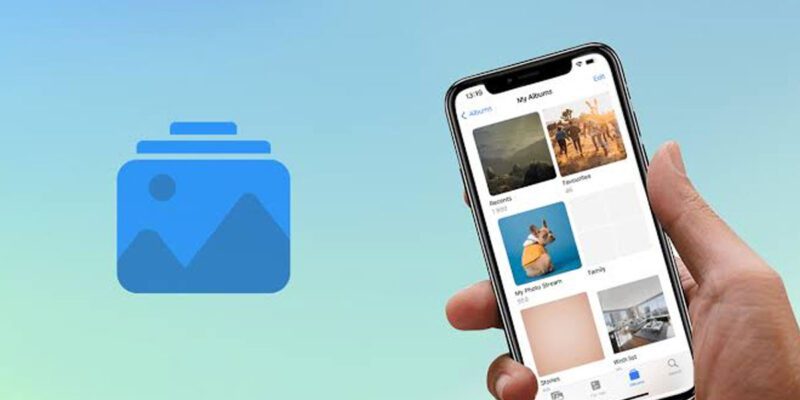
By The average person takes several thousand photos a year. Left unorganized in the camera roll, this becomes an endless scroll of memories, memes, screenshots, food photos, and various things you photographed to remember and then forgot about. Finding a specific photo from two years ago becomes an archaeological dig.
Here’s a practical system for getting your photos organized without spending a whole weekend on it.
First: Accept That You Won’t Organize Everything
If you have five years of unorganized photos, trying to perfectly organize every single one is how this project never gets finished. The realistic goal is to bring meaningful order to the collection while being strategic about where you invest your time.
Photos fall into rough categories: memories worth keeping and finding again, reference photos (parking spaces, recipes, documents, screenshots), and throwaway captures (random things you photographed for a reason you’ve now forgotten). You don’t need the same organizational rigor for all three.
Start With Google Photos’ Automatic Organization
If you use Google Photos, most of the organizational work is already done for you. Google Photos automatically creates: – Albums by date – Albums by place (if location data is attached) – Albums by people (using face recognition) – Albums by trip and event (AI detection)
Before doing any manual work, explore what’s already there in your Library and Explore tabs. You might find that your photos are more organized than you realized — just in a different location than you expected.
Creating Albums for What Matters
Decide on a simple structure that makes sense for your life. Most people find that three or four categories is enough: – Year-based albums: 2022, 2023, 2024, 2025 – People albums: Kids, Family, specific people you photograph often – Event albums: holidays, trips, occasions – Reference: documents, screenshots, things to remember
Create these albums and add photos to them going forward. Don’t try to backfill everything immediately.
The Systematic Backfill Approach
If you want to bring organization to old photos, do it in small chunks: 30 minutes every Sunday, or one month per evening session. Start with the most recent photos and work backward. Recent memories are most likely to be ones you want to find again.
Use the Search function in Google Photos or Apple Photos to find things quickly. Search “birthday” and you’ll get relevant photos even without a specific album. Search “2022 Paris” and you’ll find travel photos by place and date. The AI search is often good enough that you don’t need perfect album organization to find specific photos.
Deleting As You Go
The most impactful single thing for photo organization is deleting what doesn’t need to be kept. Screenshots of things that served their purpose. Twenty-seven slightly different photos of the same scene where you were checking the exposure. Photos that are blurry or poorly framed. Duplicates.
As you go through old photos to organize them, delete aggressively. If you’re not going to look at a photo again, it’s taking up storage and making the good photos harder to find. A photo library of 2,000 photos you love is more useful than 15,000 photos where the good ones are buried.
For iPhone: Shared Albums and iCloud
iPhone’s Shared Albums let you create albums that specific people can view and contribute to. This is useful for family events where multiple people have photos — everyone adds to the shared album and everyone can see the whole collection. Create a Shared Album for a holiday, add family members, and let everyone contribute.
Going Forward: A Simple Maintenance Habit
The real key to photo organization is a monthly 20-minute habit. At the end of each month, scroll through that month’s photos, delete the obvious junk, and add meaningful photos to the relevant album. Doing this monthly means you’re never dealing with more than a month’s backlog at once. Do this consistently for a year and your photo library will be genuinely organized.
Views: 38

You may also like

How to Use Your Phone to Learn About Nutrition Without Getting Confused

How to Use Your Phone to Document and Share Your Creative Work

How to Use Your Phone to Prepare for a Job Interview
More in:Gadgets

How to Use Your Phone to Manage Your Pet’s Health Records and Vet Visits

How to Use Your Phone to Deal With Information Overload

How to Use Your Phone to Learn Basic First Aid You Might Actually Need

TecRounder is a blog that shares New Technology news from around the world (hence the name TecRounder), including the most recent mobile and gadget information: smartphone features, specifications, and more. You can find the latest technology updates here, including the most recent information on smartphones, laptop computers, and other electronic devices.