How to Use Your Phone’s Screen Time Reports to Actually Change Your Habits
 By
By Both iPhone and Android give you detailed data about how you use your phone — how many hours per day, which apps you spend time in, how many times you pick up the device. Most people glance at this data, feel vaguely guilty, and change nothing.
Here’s how to use this information in ways that actually lead to different behavior.
What the Data Actually Tells You
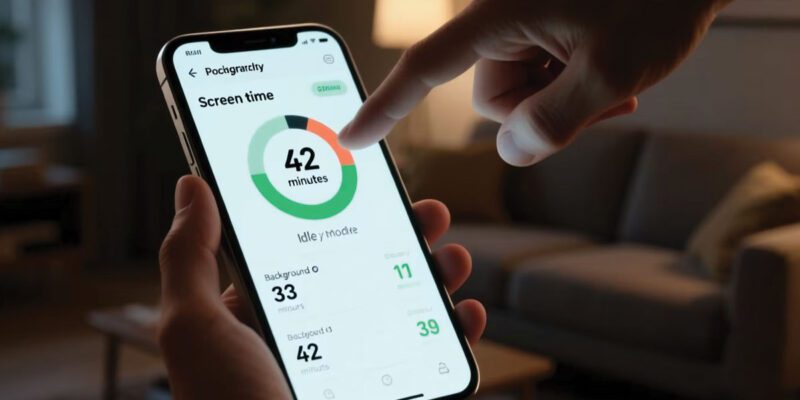
Screen Time (iPhone) and Digital Wellbeing (Android) show: – Total daily screen time – Which apps you used and for how long – How many times you picked up the phone – Notifications received and what you did with them
The pickup count is often the most revealing number. Most people underestimate how frequently they pick up their phone. Seeing “I picked up my phone 87 times today” is more actionable than “I spent 4 hours on my phone,” because it points to compulsive checking behavior rather than intentional use.
The Audit: What Does Your Pattern Actually Show?
Look at your data for a typical week. Identify:
Which one or two apps account for the majority of your screen time? These are your primary attention sinks.
What time of day do you use your phone most heavily? Is it the evening? First thing in the morning? During work hours? The timing often reflects the habit context — situations that trigger phone use.
How does weekend use differ from weekday? If weekends are significantly higher, social context is driving it. If evenings are your peak time, that’s when to focus.
Setting Specific, Targeted Goals
“Use my phone less” is not an actionable goal. “Reduce Instagram to 20 minutes per day” is.
Based on your audit, identify one specific behavior to change. Not three — one. The app that accounts for most of your mindless use. A specific time of day when phone use displaces something you’d rather be doing. A pickup pattern that’s mostly habitual checking.
Set a specific App Limit for that one app. On iPhone: Screen Time > App Limits. On Android: Digital Wellbeing > Dashboard > tap the app > Set Timer.
The Limit Is a Friction Point, Not a Lock
The limits can be bypassed with a tap. This is by design — they’re not meant to be hard locks, they’re meant to create a moment of conscious decision. When Instagram turns grey at your 20-minute limit and asks if you want more time, you have a choice. Sometimes the answer is yes and that’s fine. The goal is that you’re choosing consciously rather than scrolling automatically.
Track how often you bypass your limits. This data tells you something too — consistent bypassing suggests the limit is set unrealistically, or that the habit is stronger than the friction.
Environmental Interventions That Reinforce the Data
Data insight without environment change often fails. Pair your goal with a physical change:
Move the app to a less prominent location on your phone (a second screen, inside a folder). The extra step creates friction.
Move your phone charger out of your bedroom. This addresses the first-thing-in-morning and last-thing-at-night usage that’s often habitual.
Put your phone in another room during specific activities — meals, work blocks, first hour after waking. The absence of the device is more effective than any app limit.
Reviewing Progress Weekly
Check your screen time weekly, not daily. Daily variation is normal and tracking it closely can be anxiety-inducing. Weekly averages show trends.
After three to four weeks of deliberately working on one habit, look at the trend. Is the targeted app time coming down? Is the pickup count decreasing? Progress is usually gradual — 10-20% reduction in a month is genuinely good progress.
Once one habit change is established, pick the next one. The data is always there to help you identify what to work on.
Views: 28

You may also like

How to Stop Your Kids From Spending Money on Your Phone by Accident

How to Use Your Phone to Manage Your Time When You Work From Home
How to Use Your Phone Camera to Spot Things You’d Otherwise Miss
More in:Gadgets

How to Use Your Phone to Build Better Habits That Actually Stick

How to Use Your Phone to Help You Through a Difficult Life Transition

How to Use Your Phone to Manage Your Mental Load and Stop Forgetting Things

TecRounder is a blog that shares New Technology news from around the world (hence the name TecRounder), including the most recent mobile and gadget information: smartphone features, specifications, and more. You can find the latest technology updates here, including the most recent information on smartphones, laptop computers, and other electronic devices.