What to Do When Your Android Phone Gets Wet: A Step-by-Step Recovery Guide
 By
By You dropped your phone in a toilet, a puddle, a sink, or a pool. Your first instinct is probably to power it on and check if it still works. Don’t. That’s one of several things you shouldn’t do immediately after water exposure. Here’s the correct sequence.
First: Get It Out of the Water Immediately
Every second of water exposure increases damage. Pull it out immediately, even if it means getting your hand wet in whatever it fell into. The faster you retrieve it, the less water penetrates the internal components.
Do NOT Power It On
If the phone is off, do not turn it on. If it’s on, turn it off immediately using the power button. Electricity and water cause short circuits. Powering on a wet phone can cause immediate and permanent damage to components that might otherwise survive if dried properly first. This is the most important rule.
Do NOT Use a Hairdryer or Rice
The rice trick is a persistent myth. Rice does not draw moisture from inside electronics effectively and the dust and starch from rice can damage components. A hairdryer or compressed air can push water deeper into the phone. Avoid both. The correct method is air drying in a warm, dry environment.
What to Actually Do
Remove the case and SIM tray. Gently pat the exterior dry with an absorbent cloth. Place the phone on a dry towel in a warm, well-ventilated area with the ports facing down to allow water to drain by gravity. Leave it for at least 48 hours before attempting to power on. Silica gel packets placed around (not touching) the phone can accelerate moisture absorption.
If the Phone Has IP Water Resistance
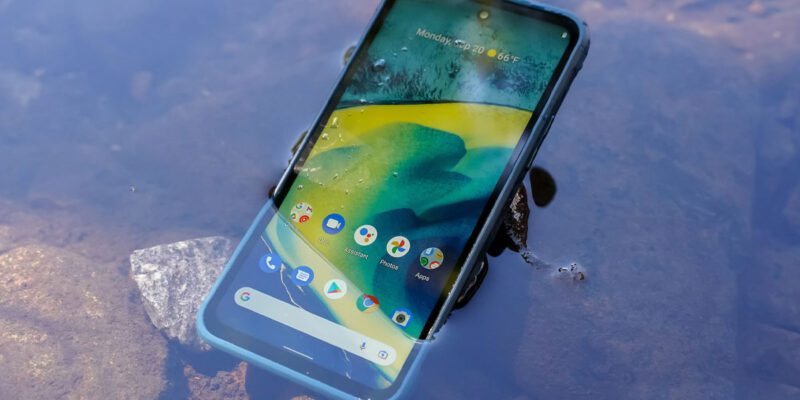
Many modern Android phones have IP67 or IP68 ratings, meaning they’re certified water-resistant to specific depths and durations. If your phone has an IP rating and was only briefly submerged in fresh water (not salt water or chlorinated pool water), it likely survived fine. Still dry it before charging — the rating covers submersion but water in the charging port during charging causes electrical damage.
After Drying: The First Power-On Test
After 48 hours, attempt to power on. If it boots normally, test the touchscreen, speakers, microphone (make a call), cameras, and charging port. Note any components that aren’t working correctly — sometimes individual components fail while others survive. Don’t charge the phone with a cable until the charging port is completely dry; use wireless charging if available.
When to Seek Professional Repair
If the phone doesn’t power on after drying, or if there’s visible moisture behind the screen (cloudy patches), a repair center can open the device, clean the motherboard with isopropyl alcohol (the correct treatment for water damage), replace damaged components, and reassemble. Many water-damaged phones that seem dead are recoverable professionally. Act within a few days — oxidation gets worse over time.
Views: 95

You may also like
Is Your Android Battery Calibration Off? How to Fix Wrong Percentages

Why Your Android Phone Charges So Slowly and What Actually Fixes It

How to Use Your Phone to Learn About Nutrition Without Getting Confused
More in:Gadgets

How to Use Your Phone to Document and Share Your Creative Work

How to Use Your Phone to Prepare for a Job Interview

How to Use Your Phone to Manage Your Pet’s Health Records and Vet Visits

TecRounder is a blog that shares New Technology news from around the world (hence the name TecRounder), including the most recent mobile and gadget information: smartphone features, specifications, and more. You can find the latest technology updates here, including the most recent information on smartphones, laptop computers, and other electronic devices.