Android phone translate with your camera

 By
By Understand words using your phone camera
Google translate photo to text from another language with pictures
When you see words you want to learn, Just go to Google Go app, open (Lens) in your Google Go app (See picture below)

Open Google Lens
And take a picture of the text you want to translate

Take Photo
Tap the translate button on the left (See picture below)

Translate button
It will translate the words from any language. You can also tap the speaker icon in the middle for your phone to read out loud to you. (See picture below)

Read out loud
Also you can search for any word using the search button on the right
(See Picture below)

Search word
Try it yourself
Views: 86

You may also like

Apple shifts its AI strategy to the App Store and a search-like platform approach.

Apple announces AirPods Max 2

10 Android trends that will shape smartphones in 2026
More in:Apps

Android 17 Beta 2 begins clamping down on apps that exploit accessibility features
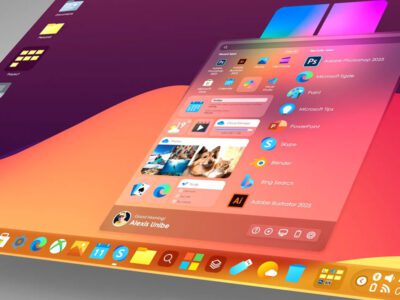
What indications suggest about a potential Windows 12

God of War Greek trilogy remake is in progress, and God of War Sons of Sparta is available now.

TecRounder is a blog that shares New Technology news from around the world (hence the name TecRounder), including the most recent mobile and gadget information: smartphone features, specifications, and more. You can find the latest technology updates here, including the most recent information on smartphones, laptop computers, and other electronic devices.